 RentAlibi
Your first 10 minutes at an Airbnb: what to photograph and what to report
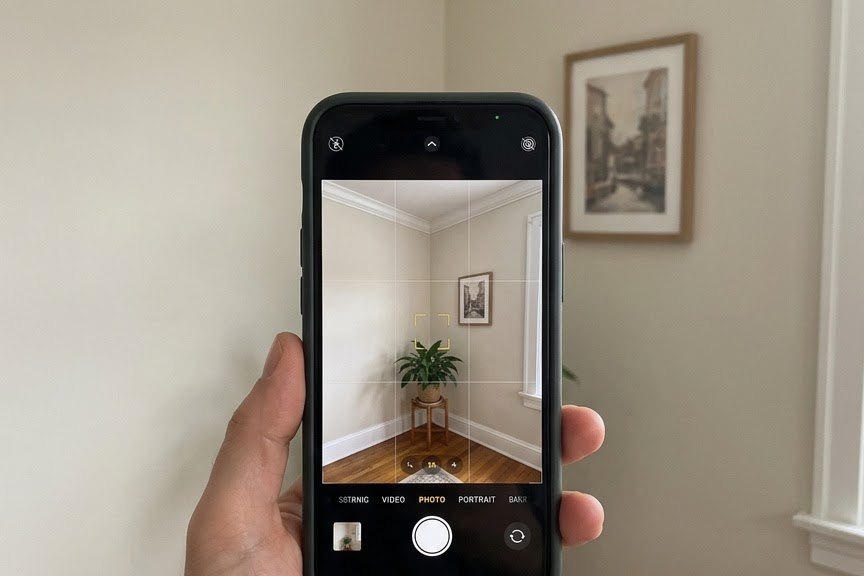
The first ten minutes in a rental are the cheapest insurance you will ever buy. Before you unpack, take a few minutes to record how the place looks. If the host raises a claim after you leave, you will have your own record.
Before you unpack
- Do it first. Once your bags are everywhere, the room looks different.
- Turn the lights on and open curtains so the photos are clear.
- Take photos with the date visible in the file, not screenshots of someone else's pictures.
Room by room
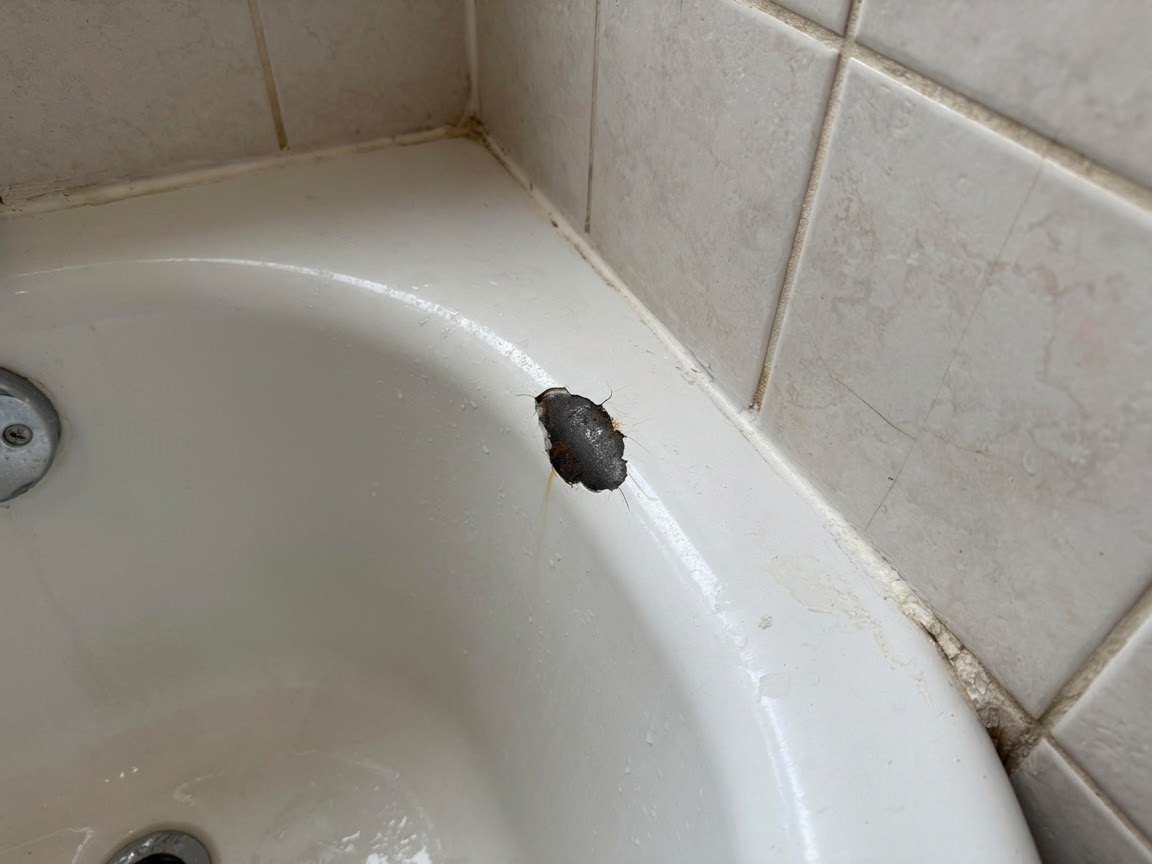
- One wide photo of every room, then close-ups of anything worn, marked or broken.
- Floors, walls and ceilings: stains, scuffs, holes, peeling paint, damp.
- Furniture and mattresses: stains, burns, tears, wobbly legs. Lift a sheet if you can.
- Bathroom: bath or shower surface, tiles, taps, toilet, any cracks or limescale marks.
- Kitchen: hob, oven, fridge inside and out, worktops, sink.
- Windows, doors and locks, including any that do not close properly.
- Outdoor areas: balcony, terrace, garden furniture, pool edges.
Appliances and meters
Photograph the TV, air conditioning, microwave, washing machine and any other appliance. If the home has electricity, water or gas meters, photograph the readings and the date.
Tell the host straight away
If you find damage, dirt or something broken, tell the host in writing through the platform's messages, with the photos attached. A message sent on the day you arrived is much stronger than one you write after a claim arrives. This is general advice, not legal advice, and each platform has its own rules.
When you leave
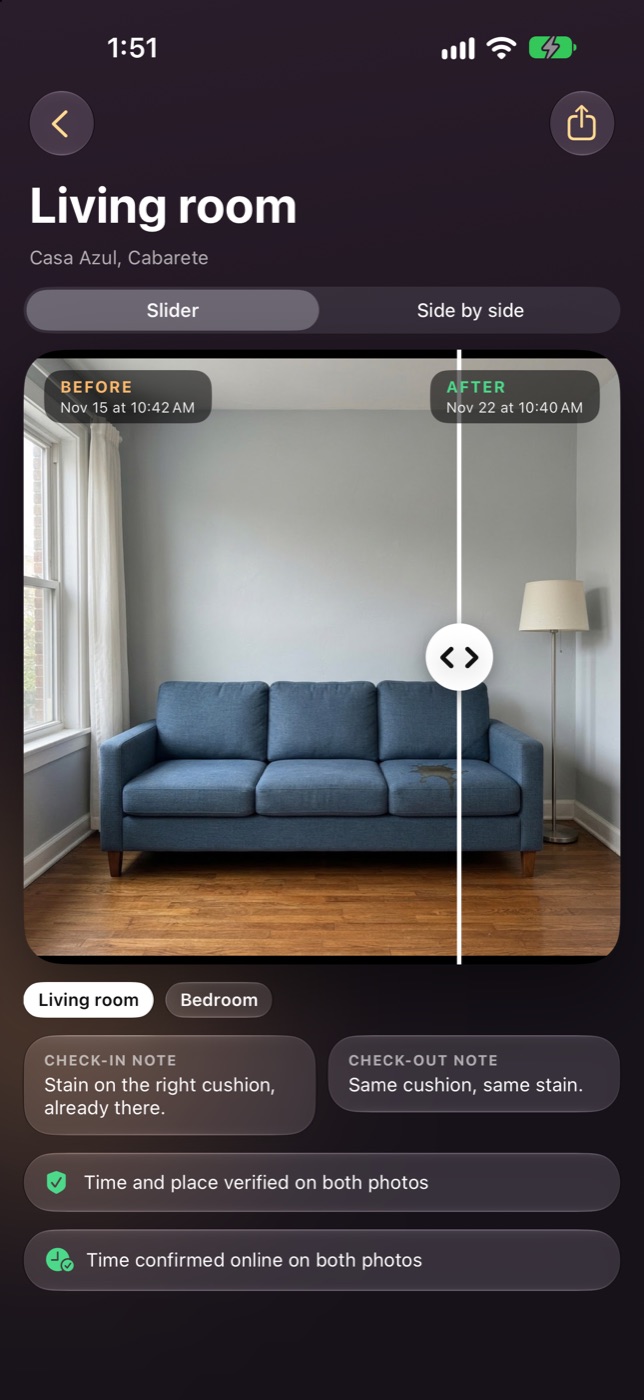
- Photograph every room again, from the same angles.
- Take a short video showing the place is clean and tidy.
- Keep your photos and messages until you are sure the booking is closed.
How RentAlibi helps with this
RentAlibi has a checklist for stays that includes the meters, and you can add your own areas. Photos are sealed with their date, time and place, you can add a note by typing or speaking, and you can flag a problem with a pin and a close-up. At check-out a faded copy of your first photo helps you take the same shot again, and you can share a PDF report with the host or the platform.
Take the photos before they do.
RentAlibi seals dated photos of anything you rent, then lets you compare and share them.
Download on the App StoreSources
RentAlibi is not legal advice and cannot promise that a charge will be removed. News items describe what the sources reported; we have not verified the claims independently.