 RentAlibi
Rental car pickup checklist: what to photograph before you drive away
Most damage disputes start the same way: a charge arrives after the car is back, and the renter has nothing to show the car was already marked. This checklist takes about five minutes at the counter or in the car park and gives you a record of your own.
Before you start
- Do it before you leave the lot. Once you drive off, it is much harder to say what was there when you took the keys.
- Use good light. If the car is in a dark garage, ask to move it, or use the flash. Wipe your lens.
- Take your time. Staff may rush you. A careful check is normal and reasonable.
Outside: walk all the way round
- One wide shot of each side (front, back, left, right) so the whole car is clear.
- A close-up of every scratch, dent or scuff, then a step back so it is clear where on the car it is.
- Bumpers, low edges and corners. These collect the most marks.
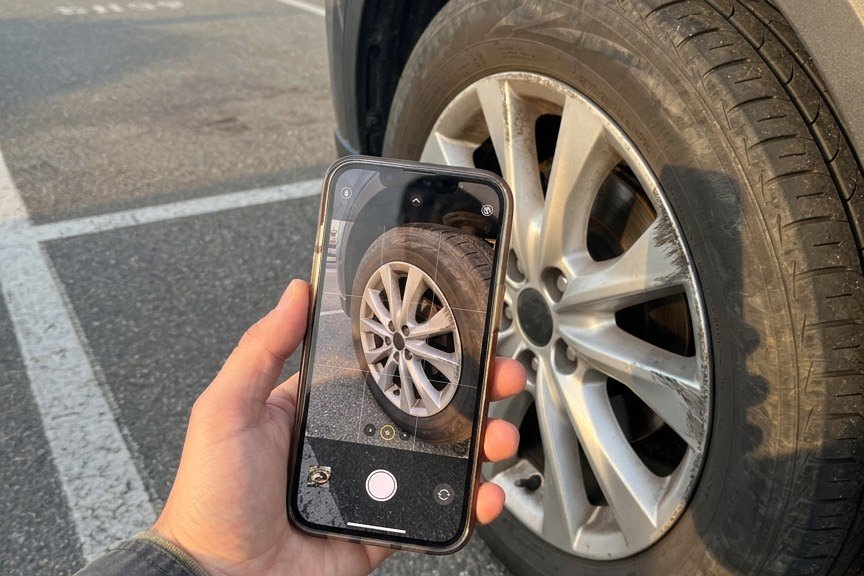
- Wheels and rims. Kerb scrapes on alloys are a common charge.
- Windscreen and glass. Look for chips and cracks. Photograph them even if they are tiny.
- Mirrors, lights and roof. Do not forget the roof.
- Tyres. A photo of each tyre shows the tread and any damage.
Inside
- Seats and upholstery, including stains, burns and tears.
- Dashboard with the engine on, so any warning lights show.
- Fuel level and mileage in one clear photo of the dashboard.
- Boot or trunk, including the spare wheel and tools if the car has them.
Make the paperwork match
Photos help, but the rental agreement is what the company reads first. Ask the agent to write any damage on the form, and take a photo of the form too. Keep your own copy. If they say a mark is too small to note, ask them to write it anyway, or keep your photo of it.
Film a slow walk-around
A short video, walking round the car and saying the date, time and number plate out loud, is a good extra. It is not a replacement for the photos, because close-ups are easier to compare later.
At return: repeat it
- Take the same shots again, from the same angles. That makes before and after easy to compare.
- Photograph the fuel level and mileage again.
- Ask for a return check with you present and a written confirmation, if the company offers one.
- Keep everything. Charges can arrive weeks later. Do not delete the photos until you are sure the rental is closed.
If a charge arrives later
- Ask the company for its evidence: their photos, with dates, and the repair invoice.
- Compare their photos with yours, area by area.
- Answer in writing and send your photos. Look for the deadline in your agreement.
- If it is not resolved, you can ask your card issuer or a consumer organisation for help. This is general information, not legal advice.
How RentAlibi helps with this
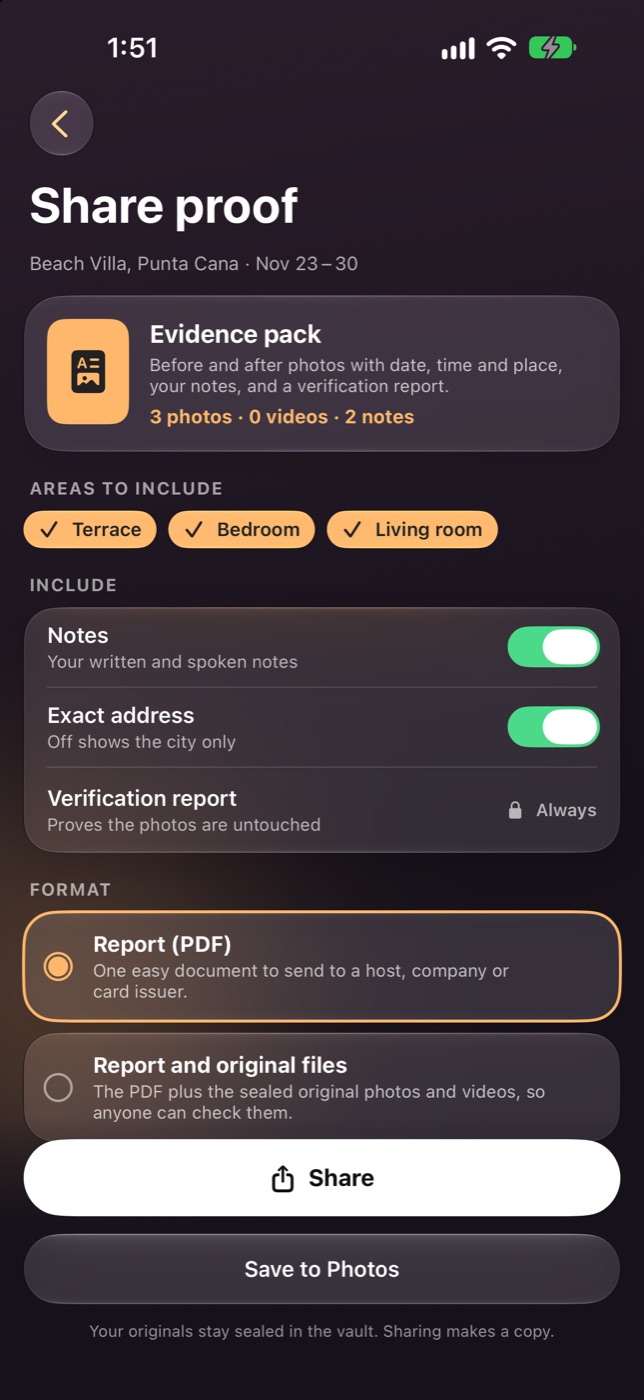
RentAlibi is built for exactly this routine. At check-in it gives cars a checklist (fuel level, mileage, tyres, windscreen, spare wheel and tools, warning lights) and lets you add your own areas. Every photo is sealed with its date, time and place, and the time is checked online, so a changed phone clock shows up. At return it shows a faded copy of your first photo so you can line up the same shot, then you can compare before and after side by side and share a PDF report made on your phone.
It cannot decide a dispute for you, and it cannot tell whether someone else's photos are genuine. It gives you your own record.
Take the photos before they do.
RentAlibi seals dated photos of anything you rent, then lets you compare and share them.
Download on the App StoreSources
- Reminder: Always Document Rental Car Condition, One Mile at a Time
- Car hire scams: how to avoid them, Which?
RentAlibi is not legal advice and cannot promise that a charge will be removed. News items describe what the sources reported; we have not verified the claims independently.